Português

Turn any image into a clean vector. On your computer.

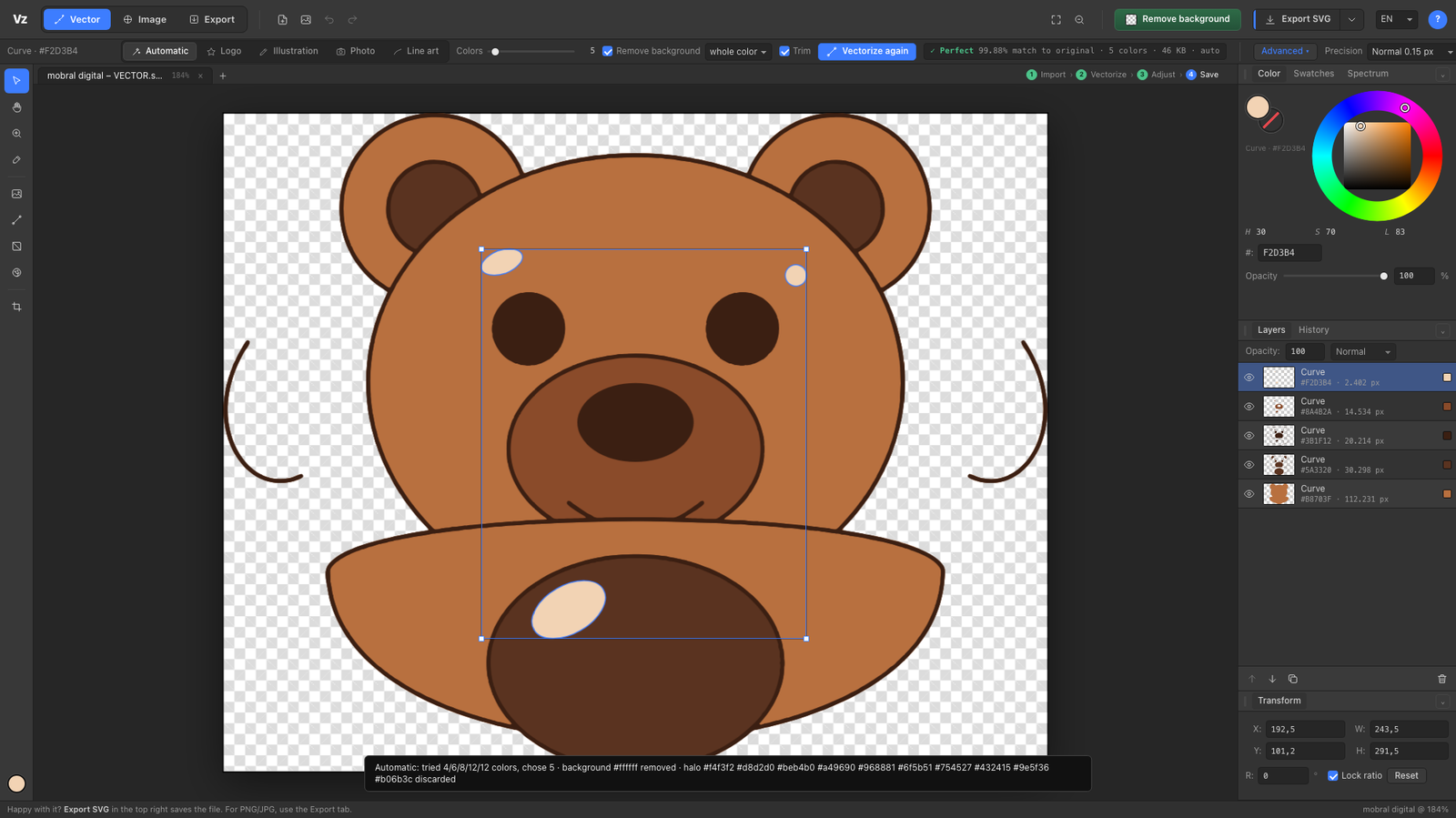
Drop a PNG or JPG. Vectorizee removes the background, traces every color with sub-pixel precision and shows you the fidelity number of the result. Nothing is uploaded. No subscription.
Vectorizee
99.9%measured fidelity on logos
16 MPmax resolution (5× the leader)
0uploads. 100% local
one-time purchase

How it works

1

Drop the image

PNG, JPG, WEBP, AVIF, HEIC, TIFF, GIF or BMP, up to 4096 px per side.

2

It becomes a vector by itself

Background removed, empty space trimmed, every color traced. Automatic mode picks the number of colors.

3

Adjust if you want

Click a color to change it. Move, scale, recolor with a palette. Layers, history, tabs.

4

Save

SVG, PDF, EPS, DXF for laser and CNC, or PNG, WEBP, JPG at any size.

What makes it different

Measured, not promised

Every result is rasterized back and compared pixel by pixel with the original. The number is on the screen and inside the SVG.

Sub-pixel edges

The anti-aliasing of your image is information. Vectorizee reads it and puts every edge where it really is.

Understands shapes

Straight lines become exact lines, circles become circles, ellipses become ellipses, corners are sharp, symmetric logos come out symmetric.

Private by design

Your client logos never leave your machine. No account, no upload, no credits.

Print and cut ready

PDF and EPS for print shops. DXF with one layer per color for laser cutting and CNC.

Batch with report

Drop 50 logos, get 50 SVGs and a CSV with the fidelity of each one.

Stop paying every month to vectorize.

One purchase. Updates for a year. Mac and Windows.

Download